
Childcare center operations · editable .xlsx files
Practical spreadsheets for running a daycare
Find focused Excel templates for enrollment, attendance, classrooms, compliance, finance and everyday operations in independent childcare centers.
Six operating areas
Compare categories →Start with the task on today’s list
Enrollment16 publishedInquiries, waitlists, onboarding, family contacts, child profiles and active rosters.Scheduling1 publishedAttendance, staff shifts, room coverage, tours, capacity and center calendars.Classroom0 publishedLesson planning, daily routines, activities, meals, observations and family updates.Compliance0 publishedLicensing tasks, training, drills, incidents, inspections, evidence and expiry dates.Finance0 publishedTuition, billing, budgets, cash flow, payroll estimates, expenses and center costs.Operations0 publishedSupplies, facilities, cleaning, food service, staff records and recurring controls.
Available files
Open the library →Recently published spreadsheets
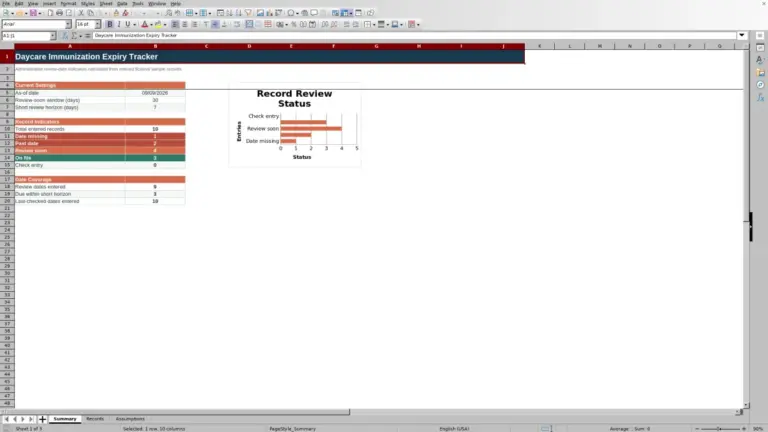
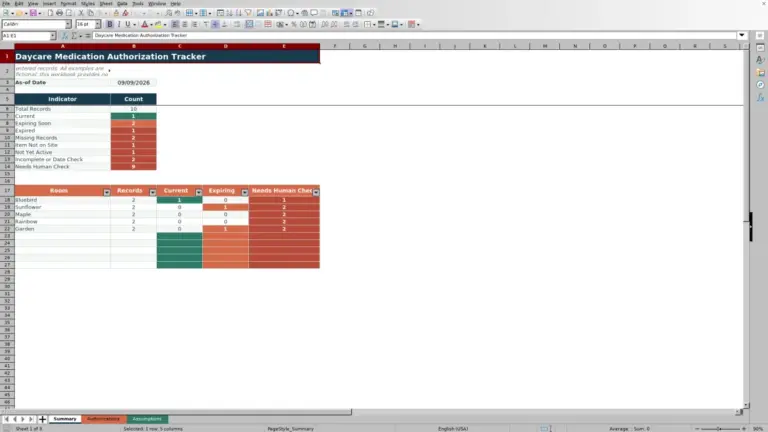
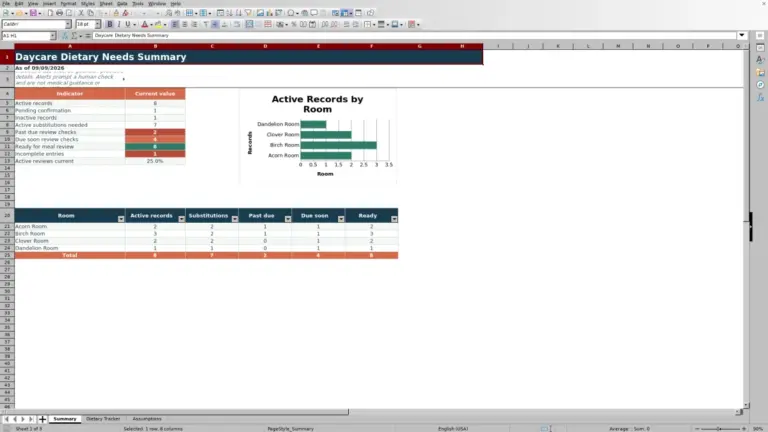
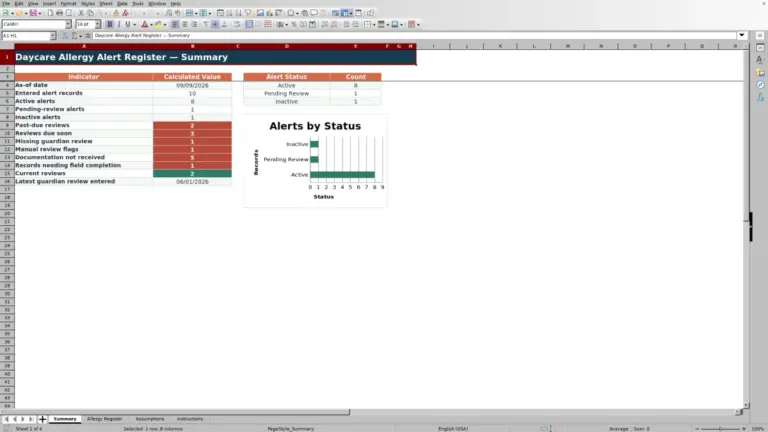
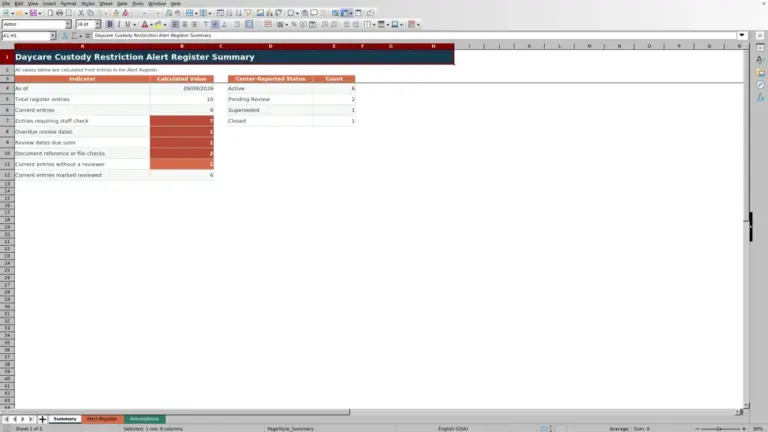
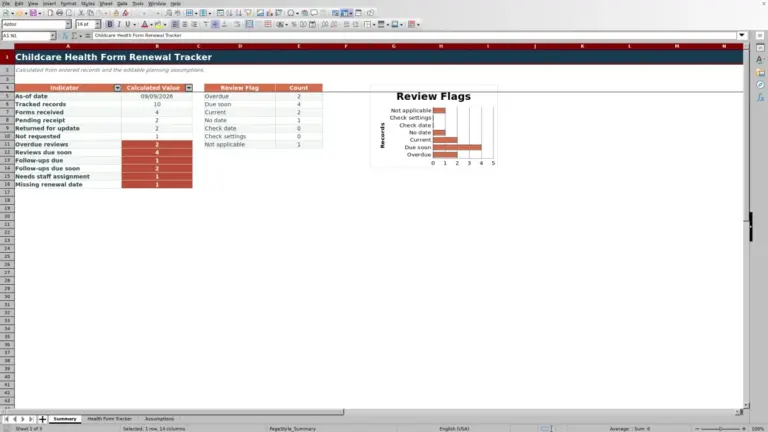
Begin with real work
Choose the sheet that fits the decision
A focused spreadsheet is easier to review than one file that tries to handle children, staffing, classrooms, billing and compliance at once.
Track a waitlist or onboarding
Enrollment separates inquiries, offers, paperwork and active rosters.
Plan attendance and staffing
Scheduling connects expected attendance with rooms, shifts and capacity.
Prepare classroom routines
Classroom organizes activities, supplies and daily handoffs.
Follow recurring center checks
Compliance records owners, evidence, deadlines and next reviews.
From search to working copy
A short path to getting started
- 01
Find
Search by task or filter published files by category.
- 02
Review
Read the purpose, worksheets, fields, calculations and limits.
- 03
Download
Get the .xlsx file directly without creating an account.
- 04
Adapt
Work from a copy and validate it against center policies.
Before you fill it in
Prepare the inputs behind the decision
Define the period, room, age group, source of each value and intended outcome. Attendance needs clear arrival and departure rules; staffing needs reviewed availability and ratios; billing depends on the center’s actual tuition schedule.
Each template page describes the worksheets, inputs and formulas in the available file. Example values illustrate a workflow but are not results from your center.
Editorial responsibility
About our approach →Two perspectives for explaining files and use

Enrollment and classroom workflows
Lena develops plain-language guidance for enrollment, attendance, family communication and classroom routines. Her editorial focus is separating information a center needs to act on from notes that should remain in approved childcare systems and records.

Workbook QA and center operations
Jordan organizes explanations around staffing, ratios, supplies, finance and recurring compliance checks. The focus is to make assumptions, calculated fields and operational limits easy to find before a workbook is adapted to a center’s policies.
Common questions
Before using a workbook
Which files are available now?
The library and counters include published templates only. A category may be empty while its workbooks are being prepared.
Do these sheets replace childcare software?
No. They support defined administrative tasks. Live check-in, secure child records, family messaging, payments and permissions call for purpose-built systems.
Can I change columns and formulas?
The files are editable. Keep the original and test changes because moving cells or deleting columns can break references.
How can I report an error?
Use the contact form with the template URL, worksheet or cell and observed result—without private information about children, families or staff.